Grocery Supermarket Simulator0.3.0
Publisher Description


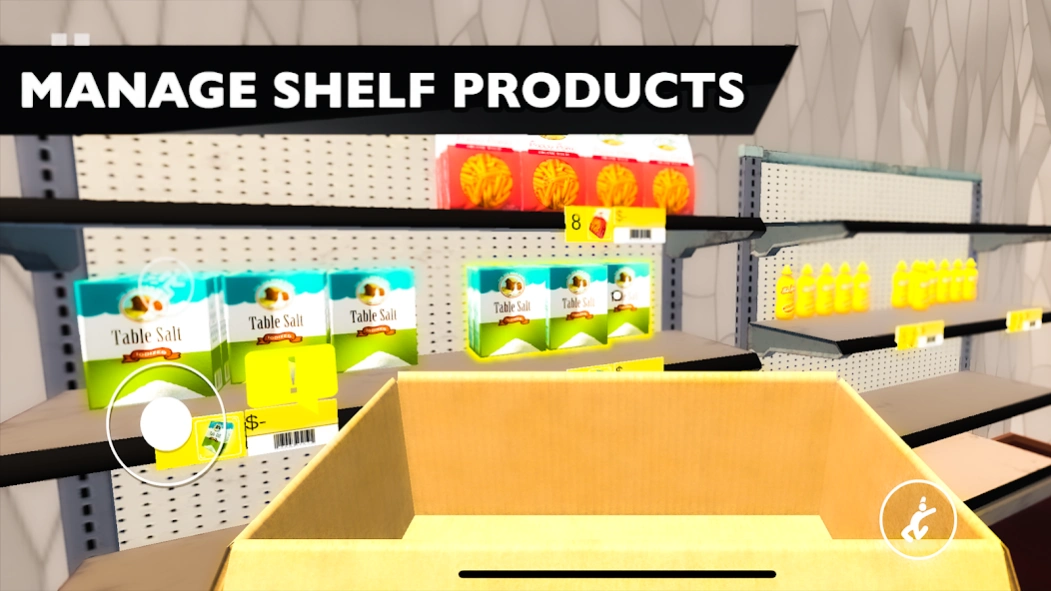

Together tycoon simulator of supermarket manage. Cashier management grocery sim.
Take charge of your own grocery supermarket with 3D manage supermarket simulator!
Start your supermarket toghether manage task with a small grocery store simulator and work hard to create the best store. Cashier, stock and manage your shelves with everything from snacks and drinks to fresh fruits, vegetables and meats. Be the best manager in 3D cashier simulator by purchasing items online at great prices and arranging them to catch the eye of your customers.
As your business thrives, you'll need to spruce it up from time to time with new paint, lighting, and decorations. The game features stunning 3D cashier simulator graphics that make your market feel real.
Tips:
- Keep your shelves stocked by placing orders, negotiating prices, and keeping up with market trends to attract more customers.
- Personalize your grocery store with themes, colors, and decorations that show off your style.
- Unlock new items and services to cater to all kinds of customers and grow your business quickly.
Grocery Business Simulator is more than just a game; it's a fun challenge that lets you test your management and strategy skills. Enjoy the journey of turning your small store into a market empire!
About Grocery Supermarket Simulator
The company that develops Grocery Supermarket Simulator is Westeight Studio. The latest version released by its developer is 0.3.0.
To install Grocery Supermarket Simulator on your Android device, just click the green Continue To App button above to start the installation process. The app is listed on our website since 2024-09-02 and was downloaded 56 times. We have already checked if the download link is safe, however for your own protection we recommend that you scan the downloaded app with your antivirus. Your antivirus may detect the Grocery Supermarket Simulator as malware as malware if the download link to com.westeightstudio.grocerysallergame is broken.
How to install Grocery Supermarket Simulator on your Android device:
- Click on the Continue To App button on our website. This will redirect you to Google Play.
- Once the Grocery Supermarket Simulator is shown in the Google Play listing of your Android device, you can start its download and installation. Tap on the Install button located below the search bar and to the right of the app icon.
- A pop-up window with the permissions required by Grocery Supermarket Simulator will be shown. Click on Accept to continue the process.
- Grocery Supermarket Simulator will be downloaded onto your device, displaying a progress. Once the download completes, the installation will start and you'll get a notification after the installation is finished.
Program Details
System requirements
Download information
Pricing
Version History
version 0.3.0
posted on 2024-09-02
Bug fixes
version 0.2.4.2
posted on 2024-07-30
Fixed restocker
Minor bug fixes
version 0.1.8
posted on 2024-04-27
Fixed enter game buttons
version 0.1.7
posted on 2024-04-24
Hot fix
